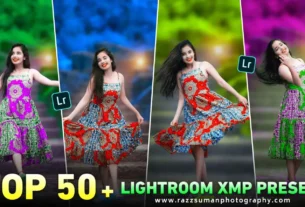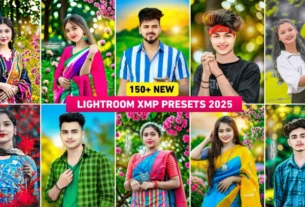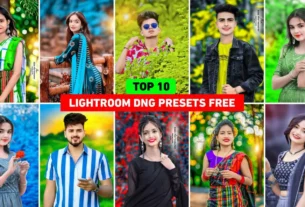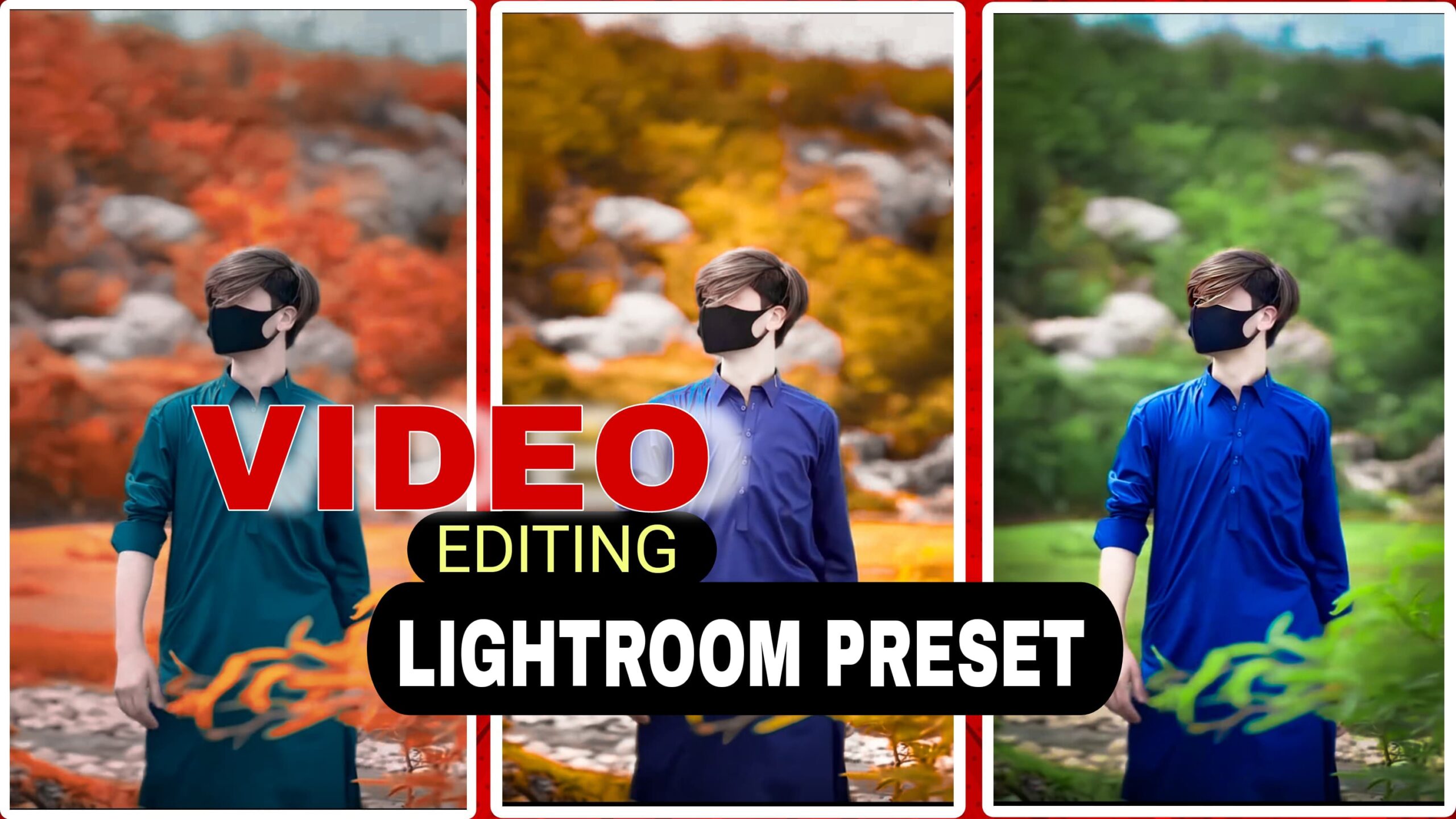
Video editing is not difficult anymore.you can edit videos With one-click using Lightroom presets, anyone can make professional-looking videos in just a few minutes.if you’re a YouTuber, vlogger, wedding videographer, or someone making Instagram Reels or TikToks, using the best presets for video editing can save you a lot of time and effort.
Presets help you apply beautiful filters, color grading, and effects instantly—no expert skills needed. In this blog, we’ll explain what video presets are, how they work, and which ones are the most popular. We’ll also talk about Lightroom presets, since many creators use both video and photo editing tools.These all of the presets are best for your social media post, especially TikTok and Instagram
What Is Lightroom?
Adobe Lightroom is a professional photo editing and video editing software use for colour grading of images. It allow you to adjust elements like exposure, contrast, tone curves, clarity, and more. While Lightroom doesn’t support video editing directly, its concept of presets inspired many modern video editing tools.Lightroom is very easy to use because its have a simple menu

What Are Lightroom Presets?
Lightroom presets are used for photo editing to saved as templates. it allow users to edit photos with one click. Presets can include changes to brightness, contrast, shadows, highlights, temperature, and more.
These are particularly useful for:
- Social media influencers
- Photographers
- Content creators maintaining a cohesive aesthetic
Some creators use the same style from their Lightroom presets as inspiration when editing their video color grading to ensure brand consistency.

Why Use lightroom Presets?
Using lightroom video editing presets saves time, improves consistency, and helps you to develop a best editing. Here are some key benefits:
- Speed: Apply color grading or effects in seconds.
- Time saved: Use the same preset on many clips for the best look.
- Creativity: Explore different mods and aesthetic vibes without wasting time.
- Accessibility: No need to be an expert—preset level the playing field for beginners.
Can Lightroom Presets Be Used for Video Editing??
Not directly. Lightroom is made for photo editing, not videos. But here’s how creators use Lightroom presets for video editing:
- Create a style using a Lightroom preset
- Use that preset on your thumbnail or social post
- Match the same look in your video using these preset
For example, if you use a “warm sunset” preset in Lightroom, you can apply a similar preset to your video clips in lightroom.
How to Import Lightroom Presets
Lightroom presets are simply imported. Follow the steps.
- Download the Preset File
- Usually comes in .XMP or .lrtemplate format.
- Open Lightroom
- Launch Adobe Lightroom on your desktop.
- Go to the Develop Module
- This is where you can make and apply edits.
- Locate the Presets Panel
- On the left side of the screen, find the Presets panel.
- Click the “+” Icon
- Select Import Presets, navigate to your downloaded file, and click Import.
Your new preset will appear in the panel and is ready to use instantly.
Conclusion
If you’re looking to save your time and make high-quality video editing, use the best presets for video editing.. it doesn’t matter the long-form content or short-form social videos; one-click tools help you achieve pro-level visuals without the steep learning curve.
Tools like Lightroom are used for photos and videos, and the presets transform your video into a cinematic look. With just one click, you can match the colors of your story, set the tone, and make it professional
Ready to save your time? Start experimenting with presets today—and watch your content reach new heights.