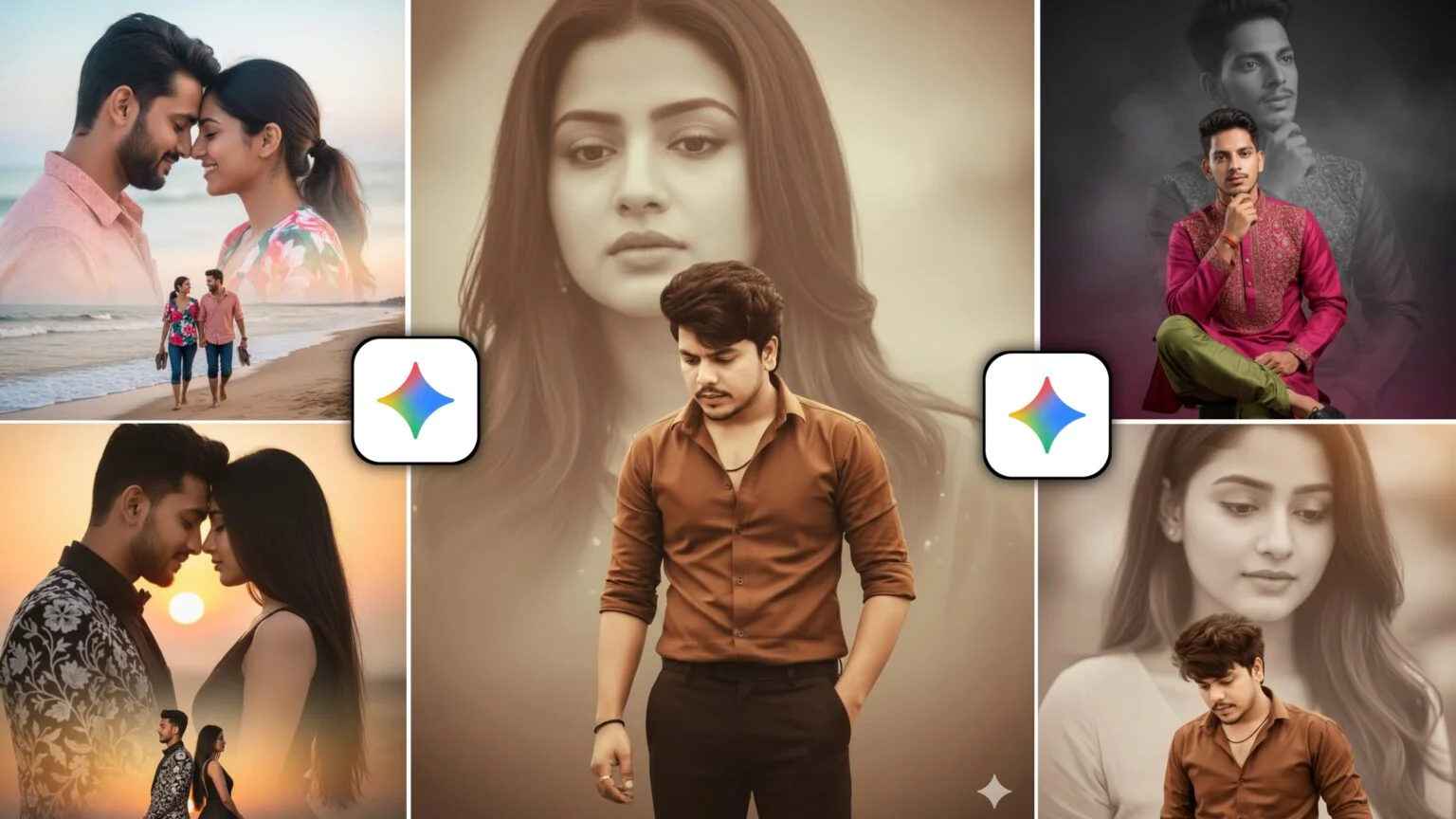
Trending 100+ New Google Gemini Boy Ai Photo Editing Prompts – The craze for creating photos with Google Gemini is slowly growing beyond belief. People are creating new types of photos every day and posting them on social media. In this, most of the boys make photos and upload them on Instagram which go viral. The trend of editing boys’ photos with different themes, styles, and moods is changing every day. Sometimes a cinematic look goes viral. Sometimes a notebook sketch, sometimes neon cyberpunk, sometimes an aesthetic portrait. That’s why in this article, we’re going to give you 100+ Trending New Google Gemini Boy Ai Photo Editing Prompts that are currently trending on Instagram, Facebook, YouTube, and Reels. With the given prompt, you can easily create a unique and viral photo, while also using a simple photo and prompt. Additionally, all these prompts will make your editing work easier.
Trending 100+ New Google Gemini Boy Ai Photo Prompts
Here, we’re providing you with prompts for all kinds of AI photo editing using Gemini Ai, whether the photo is taken outdoors or indoors. A reference photo will also be shown along with the prompt so that you can get a clear idea of what the final image will look like. Here we will provide only 10 prompts along with their reference photos, all the remaining prompts will be provided through PDF file. The PDF file includes a reference photo and an exact prompt. You can copy it 100% and use it directly in Gemini. Along with the prompt, edit the photo which you want to use in Google Gemini properly so that the face is clearly visible in it. In this way, you will be able to easily create professional, trending, and social media-ready boy Ai photos, while also requiring no extra editing knowledge.
Google Gemini Boy Prompts

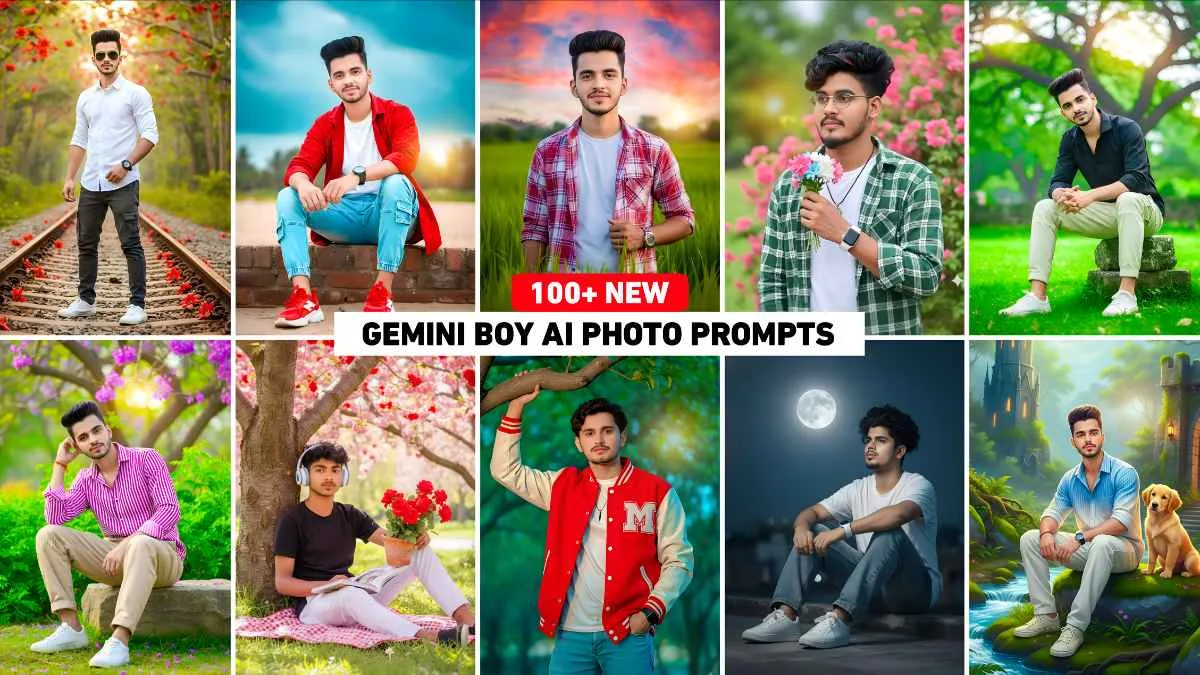
Create an image of a young man (100% matching face) sitting on a stone in a wishth. He wears a purple-white full shirt and baggy jeans in a relaxed pose, with one hand touching his hair and white shoes. Meanwhile, the background shows bright green foliage and a blooming jacaranda tree with purple flowers. The scene is in clear daylight with DSLR-level sharpness, natural colors, realistic shadows, and depth of field. Capture a full-body portrait with all details.

Full body portrait of a young man standing confidently with arms folded in front of a black sports bike in a foggy green field, wearing white hoodie, black pants, white sneakers. Soft morning light, cinematic 85mm lens, ultra-realistic skin and fabric textures, smooth bokeh, 8K, 9:16.

Use this face to create an ultra-realistic 8k resolution portrait full-body shot showing a young man with fair skin and dark hair dressed casually, sitting on a beach. He’s wearing a red shirt over a white T-shirt, light blue cargo jogger jeans, and red and white chunky sneakers, and is smiling slightly at the camera. He’s also wearing a watch. The background shows a bright, dark, cloudy blue sky with some blurred greenery and trees, and in front of him is a brick wall.

Ultra hyper-realistic 4K cinematic portrait of a slim, fit young man in his 20s. Same face as the reference image – same precise detailing. Holding a flower close to his face with a natural expression. He smiles slightly at the camera. Wearing a white T-shirt, a green and white shirt with a silver locket, with realistic fabric folds and textures. On his wrist, a white Apple Smartwatch with reflective metallic edges. The background is the same as the reference image with lush green leaves and bright pink flowers, enhanced by more blooms.
Gemini Boy Photo Prompt

This is an outdoor portrait of a young man with a light beard, whose face resembles the uploaded photo. He wears a white dannam jacket over a black T-shirt and blue trousers. He sits peacefully under pink and red cherry blossoms, leaning against a thick tree trunk. Moreover, he wears white-blue headphones and holds an open book along with a terracotta pot of red roses in his lap. He is surrounded by lush greenery.

Use my uploaded selfie exactly as it is, keeping my real face, expression, age, skin tone, hairstyle, and jawline unchanged. I am sitting naturally on a rock beside a bright flowing stream, wearing a blue-white gradient half-lining shirt, white loose pants, shoes, and a watch, without a T-shirt. Next, add a cute dog beside me. Additionally, include soft green moss, lush greenery, and a fantasy-style forest. Finally, place two warm glowing lanterns on both sides of me. Then behind me add a tall castle-like tower on the left and a stone fortress gate with warm light on the right. Also, keep the sky pale blue with a shining moon and soft sunlight. Finally, make everything hyper-realistic, vibrant, sharp, and DSLR-quality with natural shadows or digital art. Please do not make the photo look like a cartoon or painting
Google Gemini Prompt

Ultra-realistic 8K cinematic full-body portrait of a stylish young Asian man (same face & hairstyle as reference), standing confidently in a hero pose on a railway track. Additionally, wearing white shirt, dark cargo pants, white sneakers, black sunglasses, and black wristwatch. Moreover, surrounded by dense green forest with bright red Bombax ceiba flowers. Meanwhile, warm golden-hour lighting, slightly low-angle, therefore bold confident mood, sharp details.

A young man stands confidently amid a field of beautiful yellow mustard flowers, wearing a white denim jacket over a black T-shirt. He is holding the denim jacket with both hands. The boy’s face is facing forward, with a slight smile on his face. In the background, a modern white house with large glass windows is visible, slightly blurred by the morning fog. Behind the house, two tall green trees are surrounded by fog, creating a cinematic dreamlike effect. The entire photo should be clearly focused on the person, with a bright yellow color.
Why Do Photos Created With Google Gemini Go Viral?
The main reason why any kind of Ai photo created with Google Gemini goes viral so quickly is that it transforms normal photos into very creative, unique and premium quality styles. They instantly capture everyone’s attention on social media. The main reason is that even someone without any editing skills can create professional, DSLR-like photos with just a few prompts. Due to which a large number of people start editing their photos on Gemini and posting them on Instagram and Facebook. With Gemini Ai, we can easily edit any type of photo. Just use a selfie and the right prompt, and it creates a photo so realistic that everyone will love it. Gemini Ai takes a photo in just a few seconds, unlike other Ai tools that take much longer. This is the reason why any kind of photo from Google Gemini goes viral instantly.
How To Use Trending 100+ New Google Gemini Boy Prompts
It is very easy to use these 100+ trending boy photo editing prompts in Google Gemini. Moreover, you can say it is very easy to use any kind of prompt in Gemini Ai. All you have to do is upload your photo and paste the correct prompt and then Gemini Ai will create your photo in no time. Whether you’re using a mobile or laptop Gemini delivers the same results on both platforms. Below I’ll explain how to use it on both platforms
1. Google Gemini Application →
If you’re a mobile user and prefer to edit photos on your phone, try these steps to create photos with Gemini Ai.
- Install Google Gemini App from Play Store or App Store.
- Open the app and select Create Image. Upload your photo by clicking the plus option below.
- Now paste the same prompt that you copied into the message box.
- Click on the send button on the right side and wait for a while.
- Gemini Ai will create your photo in no time.
- Click on the photo and save it.
2. Google Gemini Website→
If you want a larger screen or more control, the website is perfect. Here, we’ll explain how to create photos using the Gemini Ai website.
- Go to any browser and open the Google Gemini website.
- Upload the photo by clicking on the plus button below and then clicking on Upload File.
- Once the photo is uploaded, enter the prompt in the chat box.
- Click on the send button in the right corner.
- Gemini Ai will create your photo in no time.
- Click on the photo and save it.
Conclusion
Friends, if you love photo editing, Google Gemini Ai is one of the best tools to create Ai based edits. You can create any kind of photo in Google Gemini using just a prompt and the right photo. Additionally, we’ve added 100+ boy photo prompts that you can copy to create viral photos with Gemini. These prompts are very easy to use on both the Google Gemini app and website. Hopefully, this guide and the provided prompts will make your photo editing easier and, moreover, more engaging.